
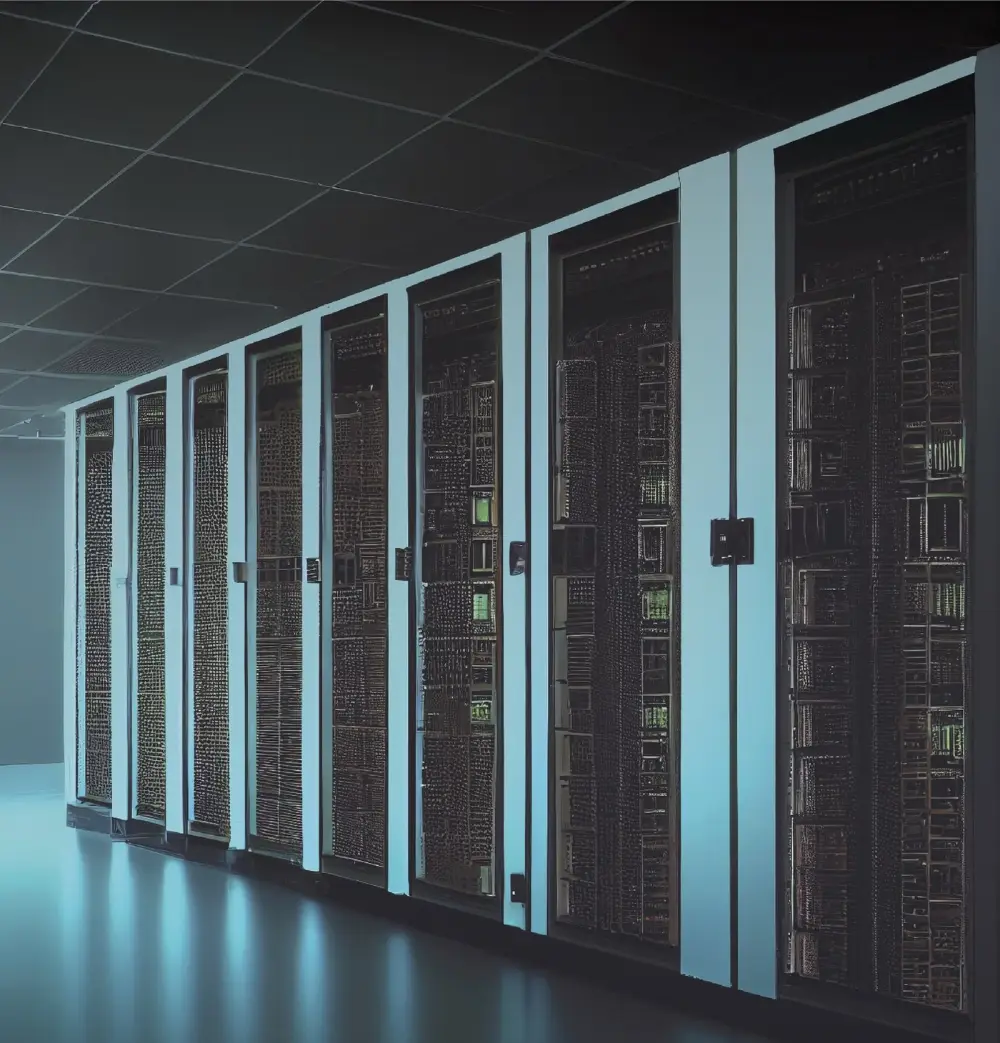
If your servers, switches or storage live in a London colocation facility but your team does not, smart hands London support is how physical work gets done without sending your own staff across town or across the world. A vetted on-site engineer attends the data hall, follows your instructions and reports back, so a failed drive, a new firewall or a tangle of patch leads does not have to wait for your next site visit.
This guide covers where London’s data centres are, the jobs smart hands engineers typically take on, what to put in a brief, how access and inductions work, and how to arrange out-of-hours visits.
Where London’s data centres are
London is one of Europe’s busiest data centre markets, and its facilities are spread across several distinct clusters rather than one campus. Knowing which area your kit sits in helps with travel planning, parking and access timing.
- Docklands (E14 and E16): the long-established cluster around Blackwall, Canning Town and Silvertown, home to many carrier-dense, interconnection-heavy facilities.
- The City and Shoreditch fringe: smaller, central sites around Old Street, Liverpool Street and Moorgate, often used for low-latency and financial services workloads.
- West London and the Slough corridor: large campuses at Park Royal, Hayes, Stockley Park, West Drayton and out along the M4 to Slough, a major data centre hub in its own right.
- North and outer London: facilities in Enfield, Croydon, Dagenham and around the M25, plus a ring of Home Counties sites from Hemel Hempstead to Reading.
Travel between these areas can be slow at peak times, so it pays to book with an engineer who already knows the site, or to allow for it in your schedule.
What data centre smart hands in London typically covers
Smart hands means skilled, hands-on technical work carried out under your direction. It goes further than basic remote hands tasks, which are usually limited to checks, power cycles and swapping a cable. If you are unsure which you need, our guide to smart hands vs remote hands explains the difference.
Common jobs
- Racking, mounting and cabling new servers, switches and firewalls (see our rack and stack service)
- Hardware replacement: drives, PSUs, memory, CPUs and line cards
- Console access so your remote team can configure or recover a device
- Patching, cable tracing, labelling and tidying
- Rack audits, asset tagging and photo surveys
- Receiving deliveries, unboxing and checking kit against the order
- Decommissioning, de-racking and preparing equipment for return or disposal
- Fault finding and break-fix work when something has failed and needs eyes on site
As an example of the more involved end of the scale, our London data centre CPU upgrade case study shows how a planned hardware upgrade can be handled from start to finish by an on-site engineer.
What to put in your smart hands brief
The quality of the brief usually decides whether a job is finished in one visit. A good brief removes guesswork for the engineer standing in front of the rack.
- Site details: facility name, full address, data hall, suite or cage number, and rack position.
- Device identification: make, model, serial number, hostname, asset tag and U position. A photo or rack elevation helps enormously.
- The task, step by step: what to do, in what order, and what “done” looks like.
- Parts and tools: what has been shipped, the courier tracking reference, and anything the engineer must bring, such as a console cable or specific optics.
- Change window: the agreed date and time, and whether the work is disruptive.
- Remote contact: a named person reachable by phone during the visit, with an escalation route if they do not answer.
- Rollback plan: what the engineer should do if something does not go to plan.
- Deliverables: photos before and after, serial numbers of removed parts, port maps or a short written report.
Access and induction practicalities
London data centres take physical security seriously, and access rules are set by each facility, not by the engineer. Getting this right in advance avoids a wasted journey.
- Pre-register the visit: most facilities require the customer of record to raise an access request or ticket before the engineer arrives, naming the visitor and the date.
- Photo ID: engineers are usually asked for government-issued photo ID at reception, and the name must match the access request exactly.
- Site induction: first-time visitors to many sites complete a health and safety induction, which can add time to the first visit.
- Escorts and permits: some sites require an escort, and work such as lifting heavy kit or anything near power may need a permit.
- Goods in: deliveries often need to be booked in separately, with the customer reference on the label, so they can be matched to your cage.
- Cage and rack keys: confirm whether keys, codes or biometric access are handled by the facility or need to be arranged by you.
When you book with us, we check these requirements with you before dispatch so the engineer arrives with everything the site expects.
Out-of-hours and weekend work
Much data centre work happens outside business hours because it involves downtime. Evening, overnight and weekend visits are common for firmware updates, hardware swaps, migrations and anything that takes a production service offline.
For out-of-hours visits, a few extra points matter:
- Confirm the facility’s out-of-hours access process, as reception arrangements can differ at night.
- Make sure your remote contact will genuinely be available for the whole window.
- Agree a clear go or no-go point, so the engineer knows when to stop and roll back.
- Plan for travel: late-night public transport and parking vary between Docklands, the City and West London sites.
An on-site IT engineer in London for MSPs and IT teams
Many of our requests come from managed service providers and in-house IT teams based outside London, or outside the UK entirely, who need a reliable pair of hands at a London site. We also provide white-label field services, so an engineer can attend on behalf of an MSP and represent their brand to the end customer.
The same approach works beyond the data hall: if you need an on-site IT engineer in London for an office move, a comms room refresh or a structured cabling job, the briefing and booking process is the same. You can read more on our smart hands and field engineering page.
How to book remote hands or smart hands in London
- Get in touch with the site address, the task and your preferred date or window.
- Share the brief using the checklist above, plus any rack photos or diagrams.
- Raise the access request with the facility once we confirm the engineer’s details.
- Ship parts to the facility’s goods-in with your reference, if needed.
- Stay reachable during the visit so the engineer can confirm each step with you.
- Receive the report, with photos and notes, once the work is complete.
Whether it is a one-off visit or regular support across several London sites, starting with a clear brief and confirmed access makes every visit smoother.
Need smart hands at a London data centre?
Tell us the site, the task and your preferred window, and we will arrange a vetted engineer to attend on your behalf.